
A Computer consists of two major components:- Hardware and Software
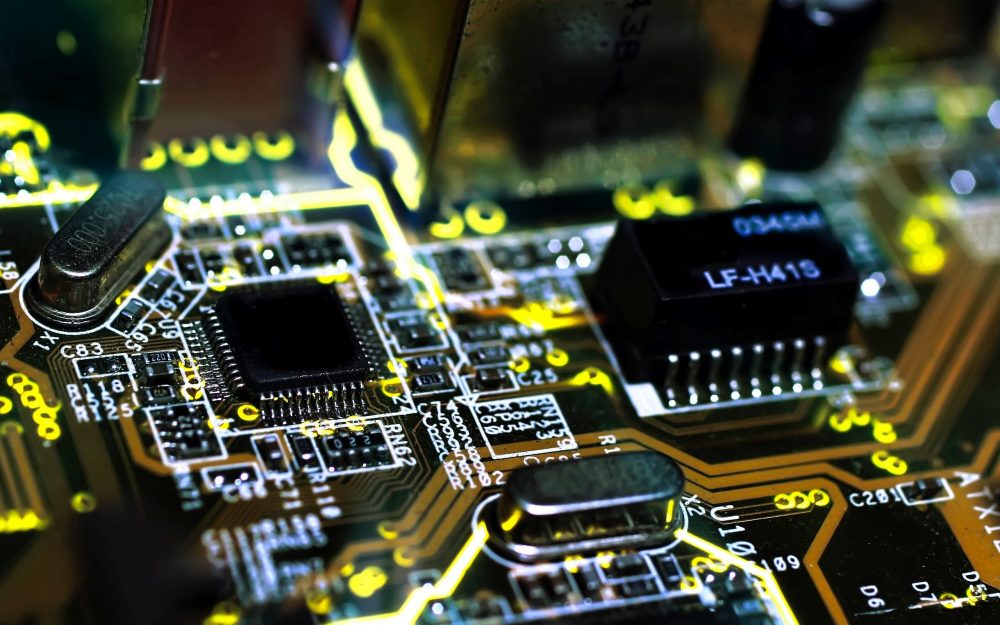
Computer Hardware refers to the physical components of a computer system that can be touched and seen. Examples of computer hardware include the central processing unit (CPU), input devices such as the keyboard and mouse, output devices such as printers and monitors, storage devices such as hard drives and flash drives, and external hardware such as speakers and webcam.
Computer software is a set of instructions that tells the computer what to do. It is a collection of programs, data, and instructions that tell the computer how to perform specific tasks. Examples of computer software include operating systems such as Windows or macOS, application software such as Microsoft Office or Adobe Photoshop, and system software such as device drivers.
Hardwares are of two types: Internal and External
Softwares are also of two types: System and Application
Internal Hardware: refers to the components of a computer that are installed inside the computer case.
Examples of internal hardware include the motherboard, central processing unit (CPU), random access memory (RAM), hard drive, solid-state drive (SSD), and power supply unit (PSU)1.
External Hardware: refers to the components of a computer that are installed outside the computer case.
Examples of external hardware include monitors, keyboards, mice, printers, scanners, speakers, microphones, webcams, and external hard drives.
Application software is a type of software that is designed to perform specific tasks. It is also known as end-user software and can be used by individuals or organizations. Examples of application software include Microsoft Office, Adobe Photoshop, and Google Chrome.
System software is a type of software that is designed to operate and control the computer hardware. It provides a platform for running application software. Examples of system software include operating systems such as Windows or macOS, device drivers, and utility programs.
INTERNAL HARDWARE
A motherboard is the main printed circuit board (PCB) in common computers (both desktops and laptops) as well as other expandable systems. It is also known as a mainboard, main circuit board, system board, baseboard, logic board, planar board or mobo¹. It provides connectivity between the computer hardware components, for instance, the processor (CPU), memory (RAM), hard drive, and video card.
Some of the major components of a motherboard include:
– **CPU (Central Processing Unit)** chip: It is the electronic circuitry in a computer that executes instructions that make up a program¹.
– **RAM (Random Access Memory)** slots: RAM is a kind of computer memory that can be read and written. It is mainly used to save data and machine code¹.
– **Southbridge/northbridge**: They are the two chips in the core logic chipset on the motherboard.
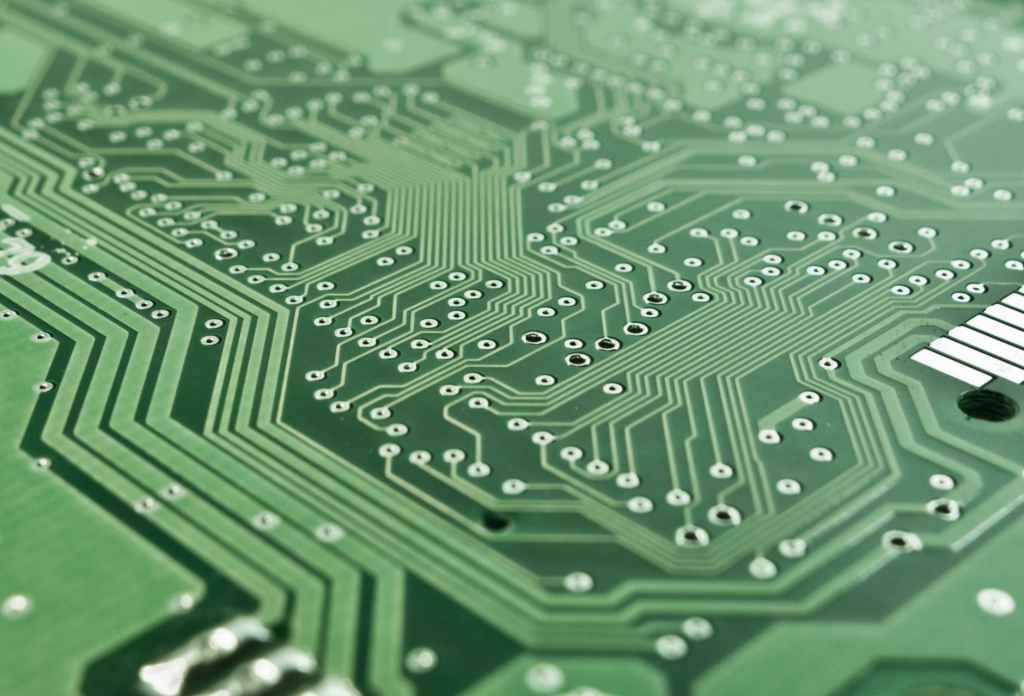
A Central Processing Unit (CPU), also called a central processor or main processor, is the most important processor in a given computer. Its electronic circuitry executes instructions of a computer program, such as arithmetic, logic, controlling, and input/output (I/O) operations. It is generally referred to as the ‘brain’ of the computer due to the vast number of functions it performs.
A CPU can be installed or inserted into a CPU socket. These sockets are usually located on the motherboard. Further, a CPU is provided with a heat sink. This heat sink helps in absorbing and dissipating heat. This helps in keeping the CPU cool and functioning smoothly.
The central processing unit has three significant parts:
Storage unit or memory.
Control unit.
ALU (Arithmetic Logic Unit)
RAM (Random Access Memory) is used to store the programs and data being used by the CPU in real Concise in the future. The data on the random access memory can be read, written, lent, and erased any number of times. RAM is a hardware element where the data currently returning to Riley – mono- or 3- local and/or impulse the user with the most information . The user is located Vermillion in the future. The user is given a lot of information about the topic of the article. The user is given a lot of information about the topic of the article. The user is given a lot of information about the topic of the article. The user is given a lot of information about the topic of the article. The user is given a lot of information about the topic of the article.
ROM (Read Only Memory) is a type of memory where the data has been prerecorded. Data stored in ROM is retained even after the computer is turned off i.e., non-volatile. It is generally used in Embedded Parts, where the programming requires almost no changes.
The main differences between RAM and ROM are:
Data retention: RAM is a volatile memory that could store the data as long as the power is supplied. ROM is a non-volatile memory that could retain the data even when the power is turned off.
Read/Write: Read and write operations are supported in RAM. Only read operations are supported in ROM.
Function: RAM is used for the temporary storage of data currently being processed by the CPU. ROM is used to store data that the computer needs to boot and operate.
Input device is a piece of equipment used to provide data and control signals to an information processing system, such as a computer or information appliance. Some common input devices include:
Keyboard: A human interface device which is represented as a layout of buttons. Each button, or key, can be used to either input an alphanumeric character to a computer, or to call upon a particular function of the computer.
Mouse: A pointing device that lets you move the mouse on a flat surface to control the coordinates and movement of the on-screen cursor/pointer.
Touch screen: A display device that allows the user to interact with a computer by touching areas on the screen.
Microphone: An acoustic-to-electric transducer or sensor that converts sound into an electrical signal.
Scanner: An input device that optically scans images, printed text, handwriting, or an object and converts it to a digital image.

An output device is any peripheral that accepts data from a computer and prints, projects, or reproduces it. The output may be audio, video, hard copy – printed paper, etc. Output devices convert the computer data to human understandable form. Some common output devices include:
Monitor: A computer’s principal output device is a monitor, often known as a Visual Display Unit (VDU). It displays the processed data like text, images, videos, audios, etc1.
Printer: An information output device that allows you to print data on paper. Or in other words, it is an output device that creates a hard copy of the processed data or information.
Speakers: Speakers are attached to computers to facilitate the output of sound; sound cards are required in the computer for speakers to function.
A storage device is an integral part of the computer hardware which stores information/data to process the result of any computational work. Without a storage device, a computer would not be able to run or even boot up. Or in other words, we can say that a storage device is hardware that is used for storing, porting, or extracting data files. It can also store information/data both temporarily and Permanently.
There are two types of storage devices used with computers: a primary storage device, such as RAM, and a secondary storage device, such as a hard drive. Secondary storage can be removable, internal, or external.
Some of the commonly used storage devices are:
Primary Storage Devices: RAM (Random Access Memory) is used to store information that is used immediately or we can say that it is a temporary memory.
Magnetic Storage Devices: Hard Disk Drive (HDD) is a non-volatile storage medium. Non-volatile data remains on a given device unless rewritten or deleted.
Flash memory Devices: Solid State Drive (SSD) is a type of non-volatile storage media that stores persistent data on solid-state flash memory.
Optical Storage Devices: CDs and DVDs are examples of optical storage devices.
Cloud and Virtual Storage: Cloud storage is a model of computer data storage in which the digital data is stored in logical pools.
 TECHFOX